Data Center Cooling: How It Works and Which System Fits
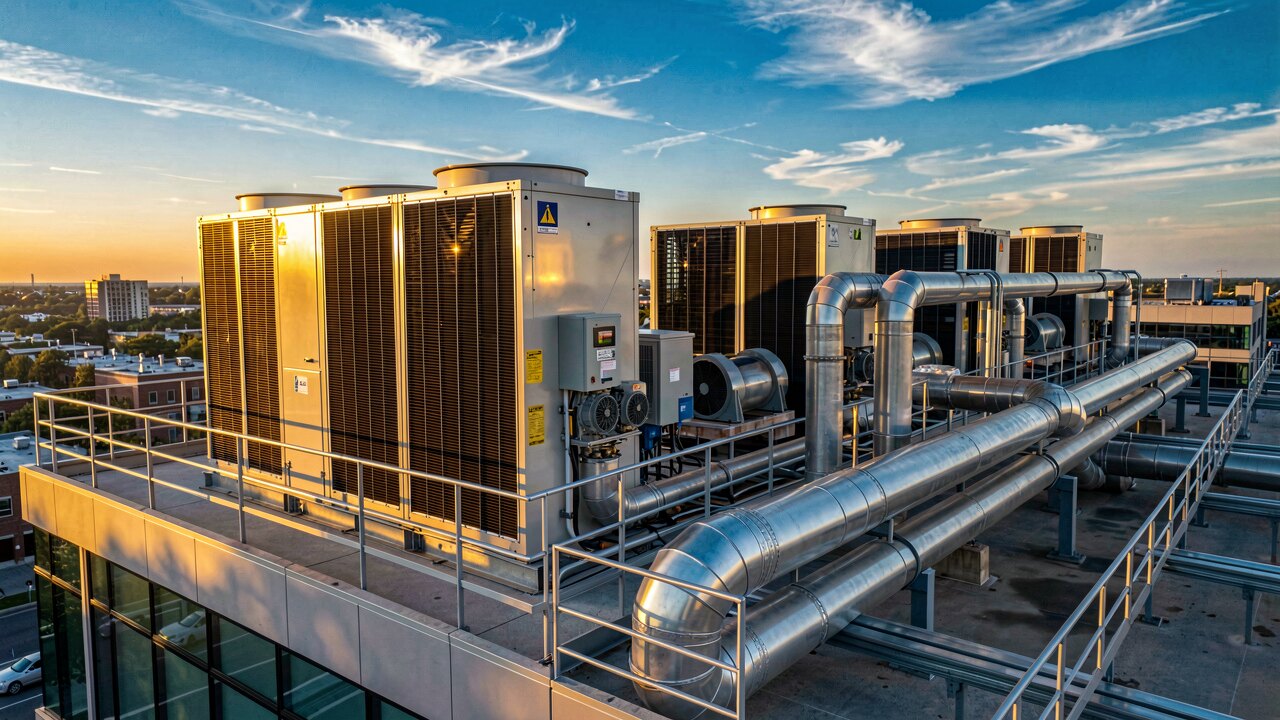
Data center cooling removes the heat that servers generate so hardware stays within safe operating limits. The main approaches are air cooling (CRAC/CRAH units with hot/cold aisle layout), liquid cooling (direct-to-chip or immersion), and free cooling that uses cool outside air or water — often combined.
Air cooling: CRAC/CRAH units push cold air through a raised floor or ducts; servers exhaust hot air, which is captured and cooled again. Liquid cooling: coolant is brought to the chip (direct-to-chip cold plates) or the whole board is submerged (immersion) — far more effective for dense AI/GPU racks. Free cooling: when outside air or water is cold enough, chillers are partly or fully bypassed. Most modern facilities blend air cooling with free cooling, and add liquid cooling for high-density rows.
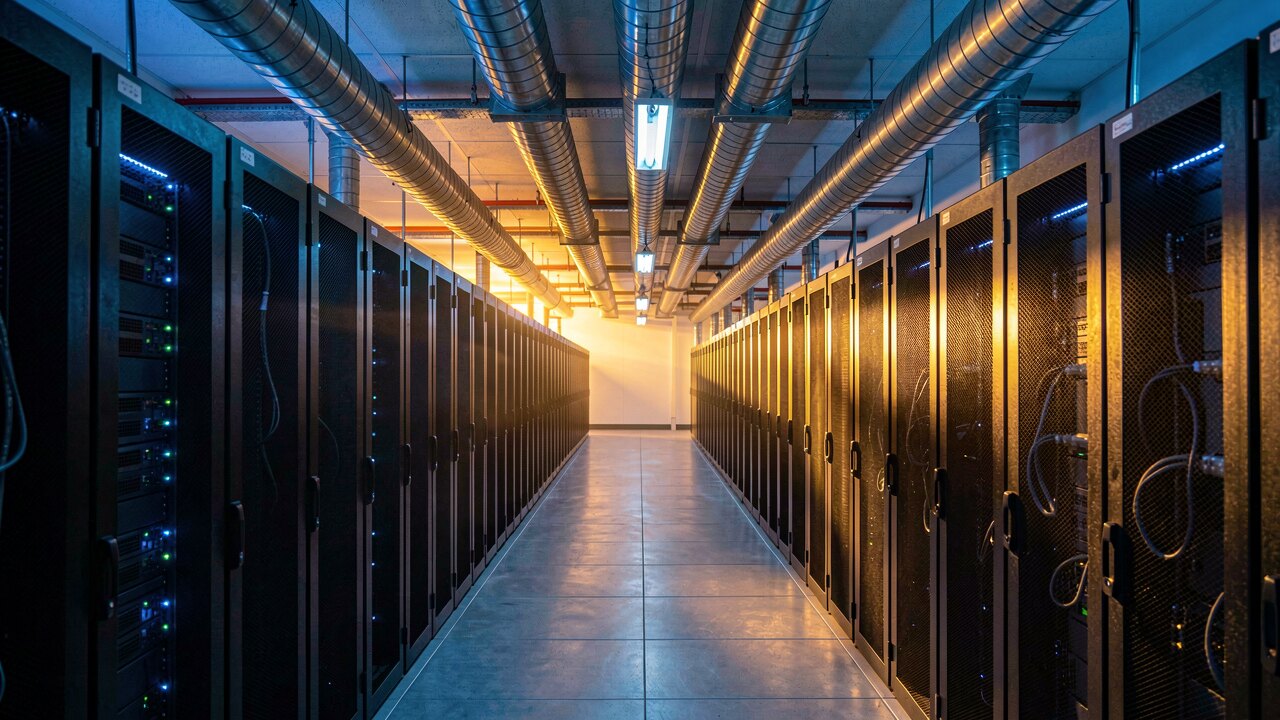
Standard IT racks (up to ~10–15 kW) are handled well by air cooling with good airflow management. Once racks climb toward 30 kW and beyond — typical for AI and GPU compute — air alone struggles, and direct-to-chip or immersion liquid cooling becomes necessary. If you run mixed loads, keep air cooling for the general floor and deploy liquid cooling only in the dense rows.
Before adding cooling capacity, separate hot and cold air. Cold-aisle or hot-aisle containment stops the two from mixing, which lets you raise supply-air temperature and cut chiller energy. Add blanking panels in empty rack slots, seal cable cutouts, and align equipment intakes to the cold aisle. These low-cost steps often reclaim more efficiency than new hardware.
ASHRAE recommends a server inlet range of roughly 18–27 °C (recommended envelope), with an allowable range that goes higher. Running near the upper end reduces cooling energy without risking hardware. Overcooling to 18 °C 'to be safe' wastes significant power; monitor inlet temperature at the rack, not just the room.
HVAC and cooling systems consume roughly 30–40% of a data center's total electricity. That makes cooling the biggest efficiency lever after the IT load itself. Track it with PUE (Power Usage Effectiveness = total facility power ÷ IT power): a PUE near 1.1–1.2 is excellent, while older air-cooled sites often sit at 1.5–2.0. Free cooling and containment are the fastest ways to push PUE down.
Cooling is mission-critical: size it with N+1 redundancy so a failed unit doesn't overheat the hall, and back it with UPS on the cooling controls. Where possible, capture the waste heat — modern campuses feed it into district heating instead of dumping it. Combining free cooling, liquid cooling for dense racks, and heat reuse gives the lowest energy footprint.