Server Room Cooling: How to Cool a Server Room Correctly
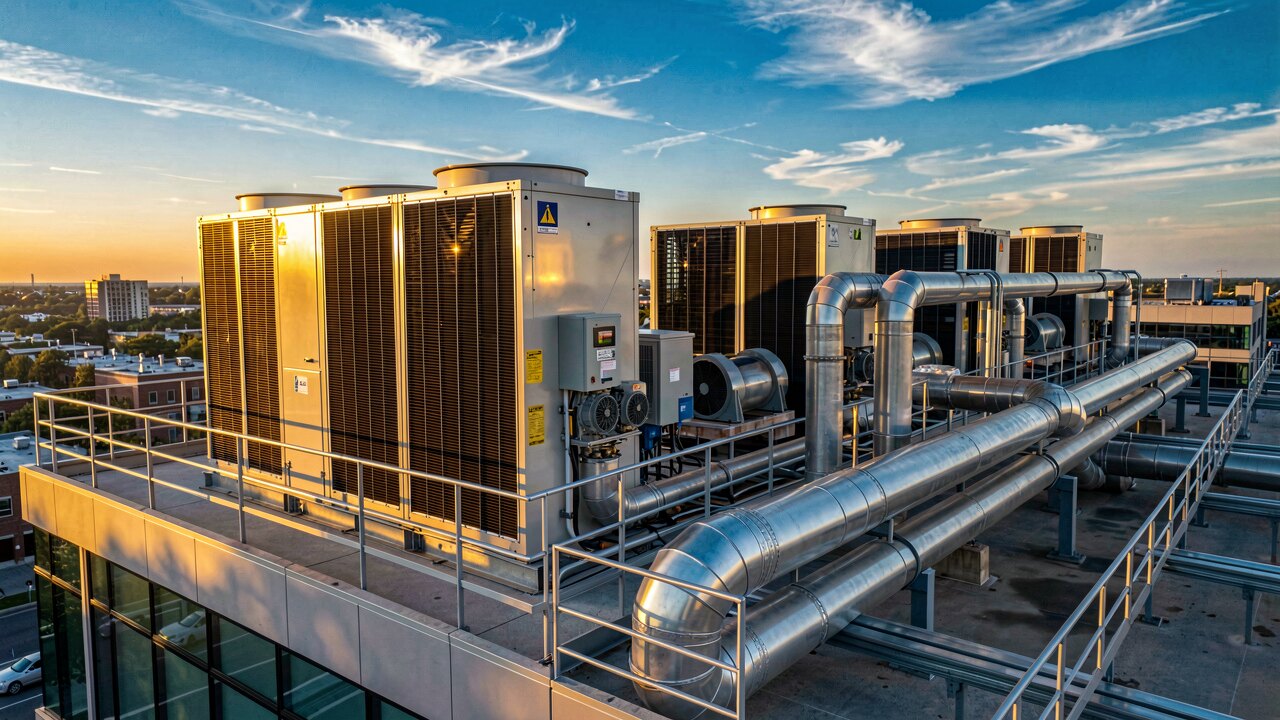
A server room is cooled by removing the heat the equipment produces and holding air temperature and humidity in a stable range. The proven approach is a dedicated cooling unit plus disciplined airflow that keeps hot exhaust air away from cold intake air.
Aim for 18–27 °C at the equipment air intake and 40–60 % relative humidity — the widely used ASHRAE recommended range. There is no benefit to running colder than ~22 °C; every extra degree of cooling just wastes energy. Measure temperature at the front (intake) of the racks, not at the ceiling or the door, because that is the air the servers actually breathe.

1) Size the cooling to the IT load: roughly 1 kW of cooling for every 1 kW of installed IT power, plus a margin. 2) Install a dedicated unit (a precision/CRAC unit or a properly sized split AC) — a normal office AC is not built for 24/7 load. 3) Separate hot and cold air (see below). 4) Seal the room: no open windows, insulated walls, weather-stripped door. 5) Add temperature/humidity sensors with an alarm so you know before a unit fails.

Servers pull cold air in the front and blow hot air out the back. Arrange racks so all fronts face one 'cold aisle' and all backs face one 'hot aisle', then feed cold air to the fronts and let the cooling unit collect the hot exhaust. Fit blanking panels in every empty rack slot so hot and cold air cannot short-circuit through the gap. This single discipline often lowers the required cooling output the most for zero equipment cost.
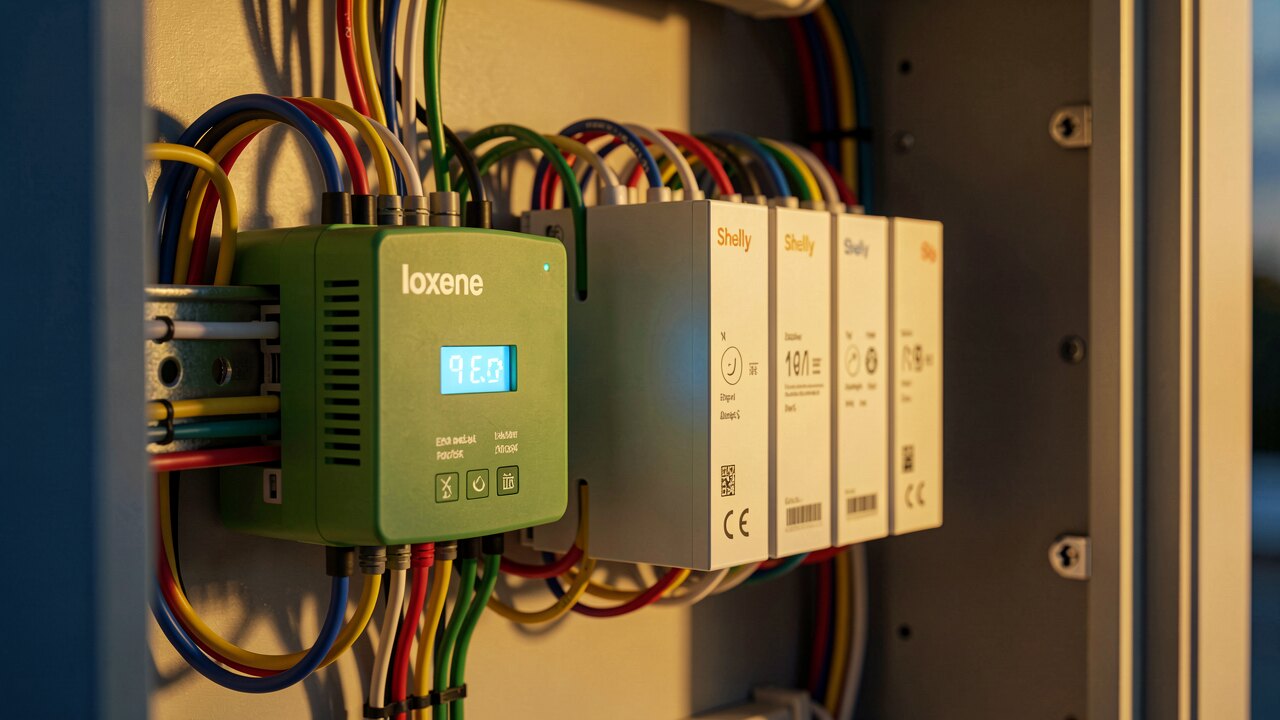
Cooling fails, and servers can overheat in minutes once it stops. For any room you cannot afford to lose, run at least two units in an N+1 setup so one can be serviced or fail while the other carries the load. Combine this with an alarm and, ideally, an automatic shutdown of non-critical hardware if temperature crosses a safe threshold.
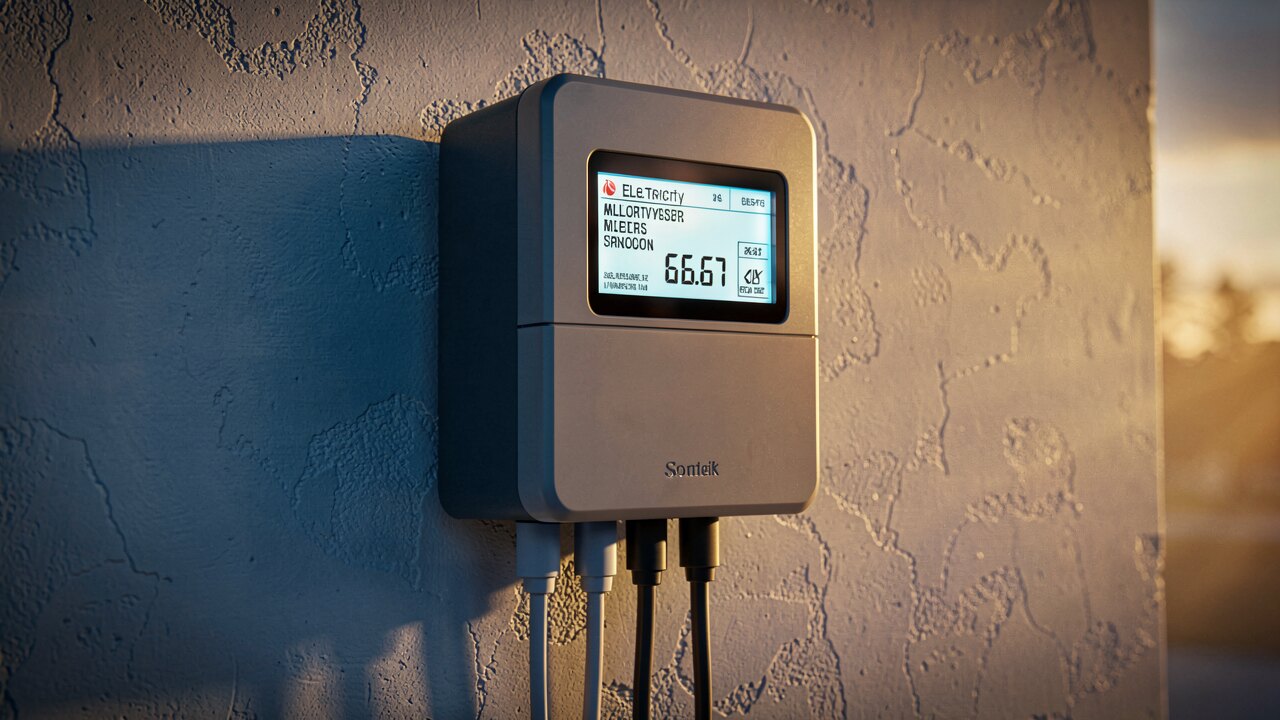
Use free cooling / economizer mode: when outside air is cold enough, the system cools with outdoor air instead of running the compressor at full power. Recirculate conditioned air instead of cooling 100 % fresh air, run fans on variable speed so they match the actual load instead of blowing at full power constantly, and set the room to the upper end of the safe range (e.g. 24–25 °C) rather than needlessly cold. If you shift cooling load into cheaper night hours, a thermal/ice store or battery storage can move the electricity cost — the same principle Stromfee applies to optimize building energy use.
For one or two racks in a small room, a dedicated wall or ceiling split unit rated for continuous operation is usually enough — but still add blanking panels, a sealed door and a temperature alarm. For a single hot rack, a self-contained rack cooling unit (in-row or rack-mounted) targets the heat right where it is produced and avoids over-cooling the whole room.