Solar Energy Monitoring Display for the Web: What It Is and How to Set One Up
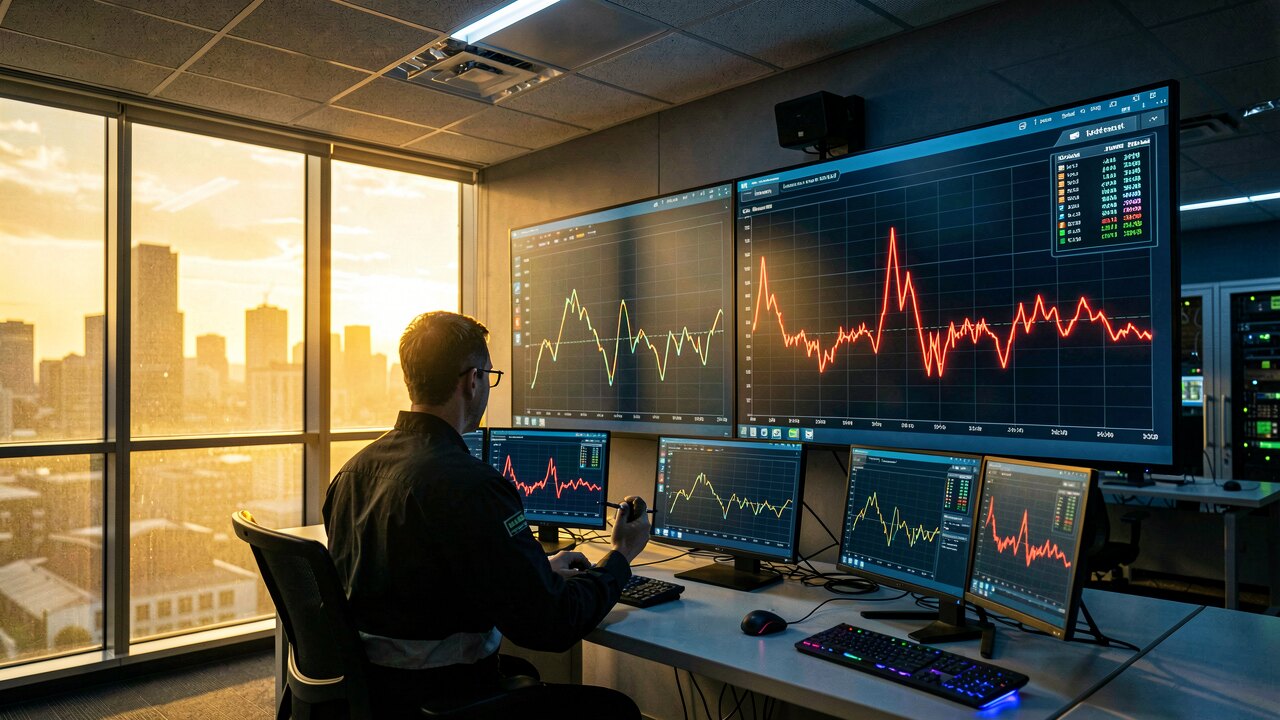
A web-based solar monitoring display is a browser page that shows your PV system's live and historical output — generation, consumption, feed-in — pulled from your inverter or a separate meter. You reach it from any device with a URL and login, without installing software, and the setup is usually a matter of connecting one device and pointing it at a data endpoint.
At minimum: current power in kilowatts, energy today in kilowatt-hours, and a time-series chart of the last hours or days. A more useful display splits that output into what you consumed on site and what you exported to the grid, because those two carry different values. Beyond raw output, the number that tells you whether the plant is healthy is expected versus actual generation — each plant has a physical expectation derived from its capacity, orientation, and the irradiance it actually received. Comparing the measured value against that model in real time turns a shortfall into a figure rather than a hunch.
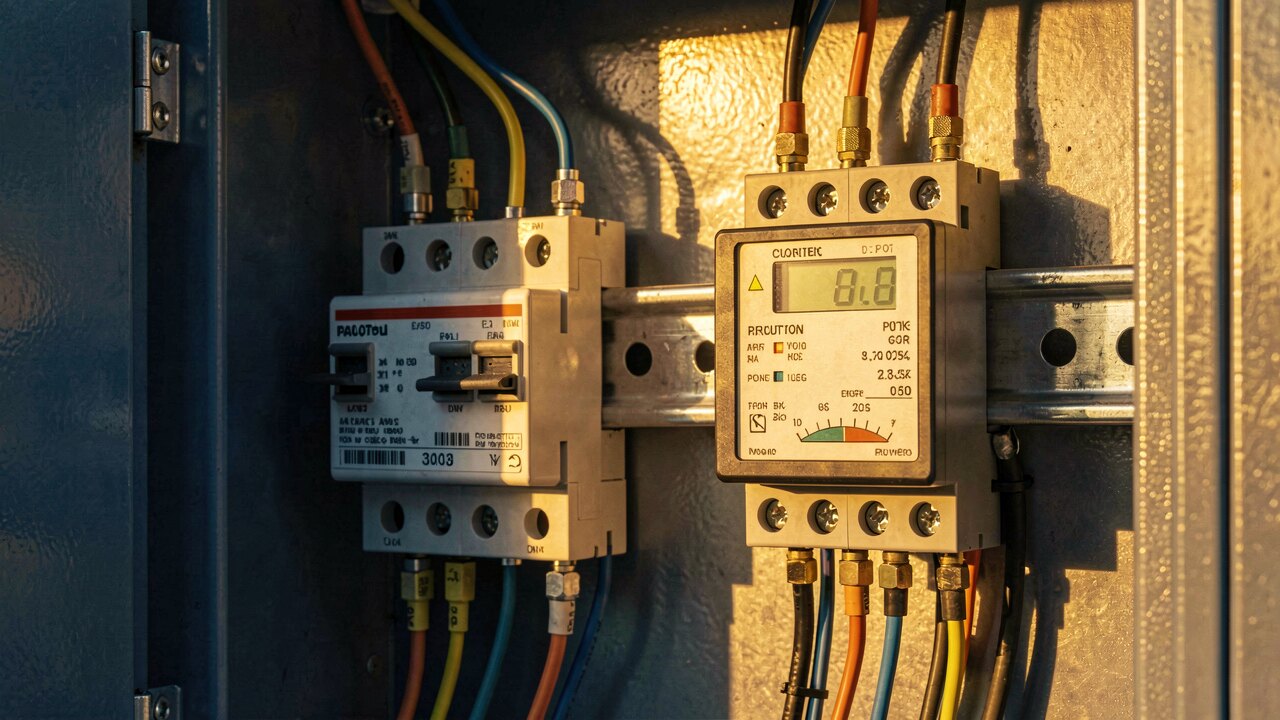
Three steps. First, get the data out: most modern string inverters expose a local interface (Modbus TCP or a REST endpoint) on your LAN, and many manufacturers also run a cloud portal that already includes a web display. Second, decide whether the inverter's own numbers are enough — they measure generation only, so if you want consumption and feed-in you add a meter at the grid connection point. Third, choose where the page lives: the manufacturer portal (fastest, but locked to their hardware), or an independent monitoring service that reads your inverter and hosts the display for you (works across brands, gives you one page for multiple plants).
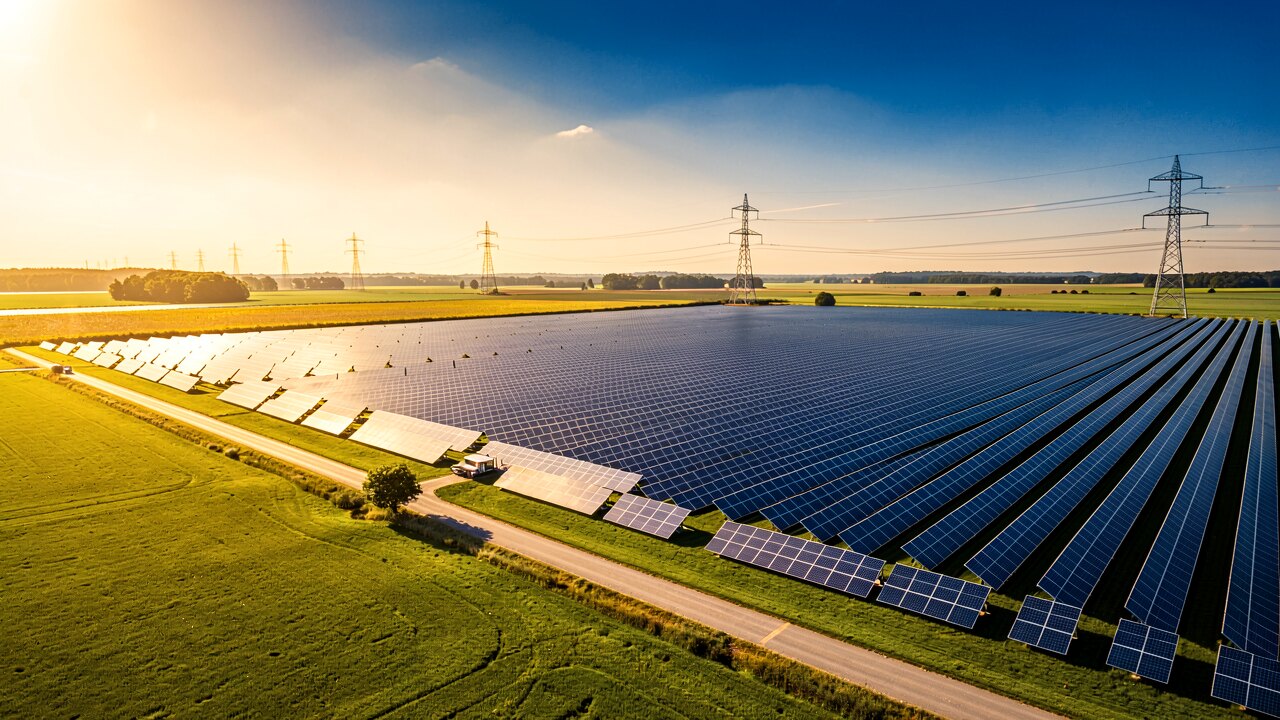
If you have one plant, one brand, and just want to see whether it is running, the manufacturer's own web portal is enough and costs nothing extra. Switch to independent monitoring when any of these is true: you have several plants or several inverter brands and want one screen; you want expected-versus-actual comparison rather than just a curve; you need the raw data exportable rather than trapped in a vendor portal; or you want alerts that fire on a deviation rather than only on a hard fault. Our own PV Watcher tool sits in this second category — it monitors every plant continuously and flags the gap between modelled and measured output the moment it appears.
An inverter that has stopped is easy to spot on any dashboard. The expensive failures are the quiet ones: soiling and dust, partial shading, a tripped string, a slowly degrading inverter. Each of these leaves its own signature in the data — a string trip is a step change, soiling is a gradual drift, shading is a repeating daily dent at the same hour. A display that only shows kilowatt-hours cannot separate a dirty array from a cloudy week. One that shows measured output against the physical expectation can, because the expectation already accounts for the weather.
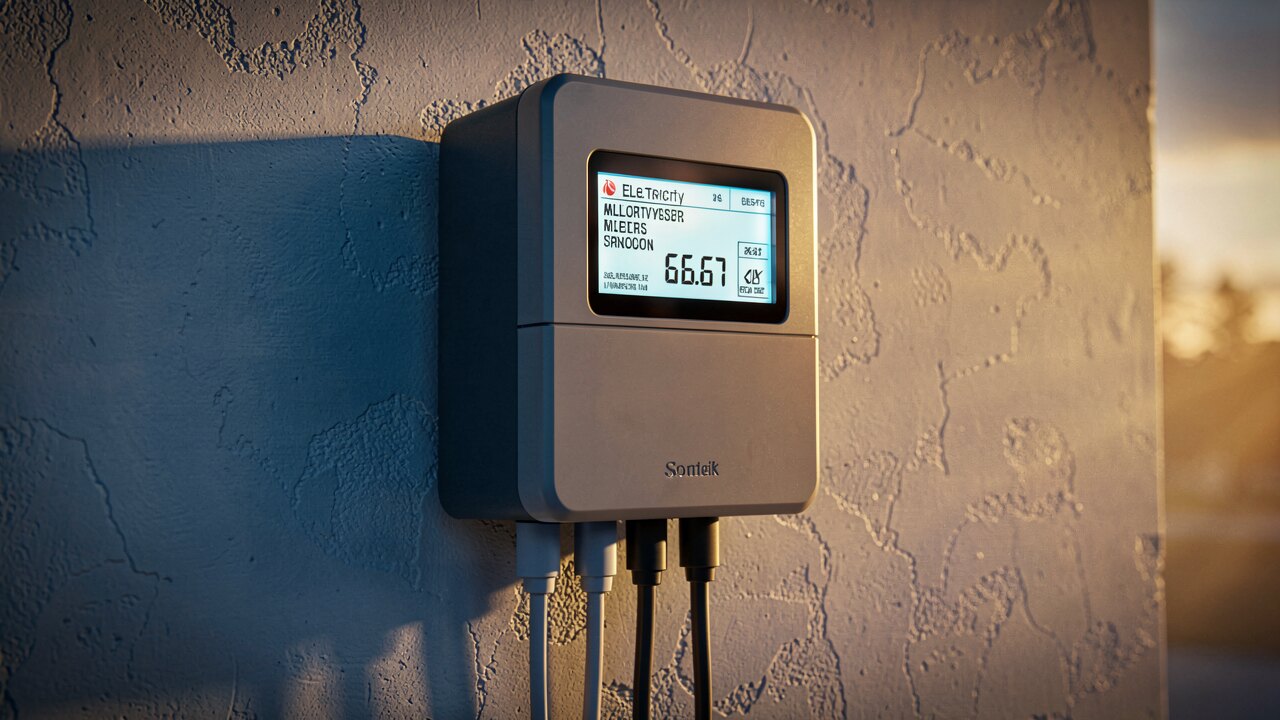
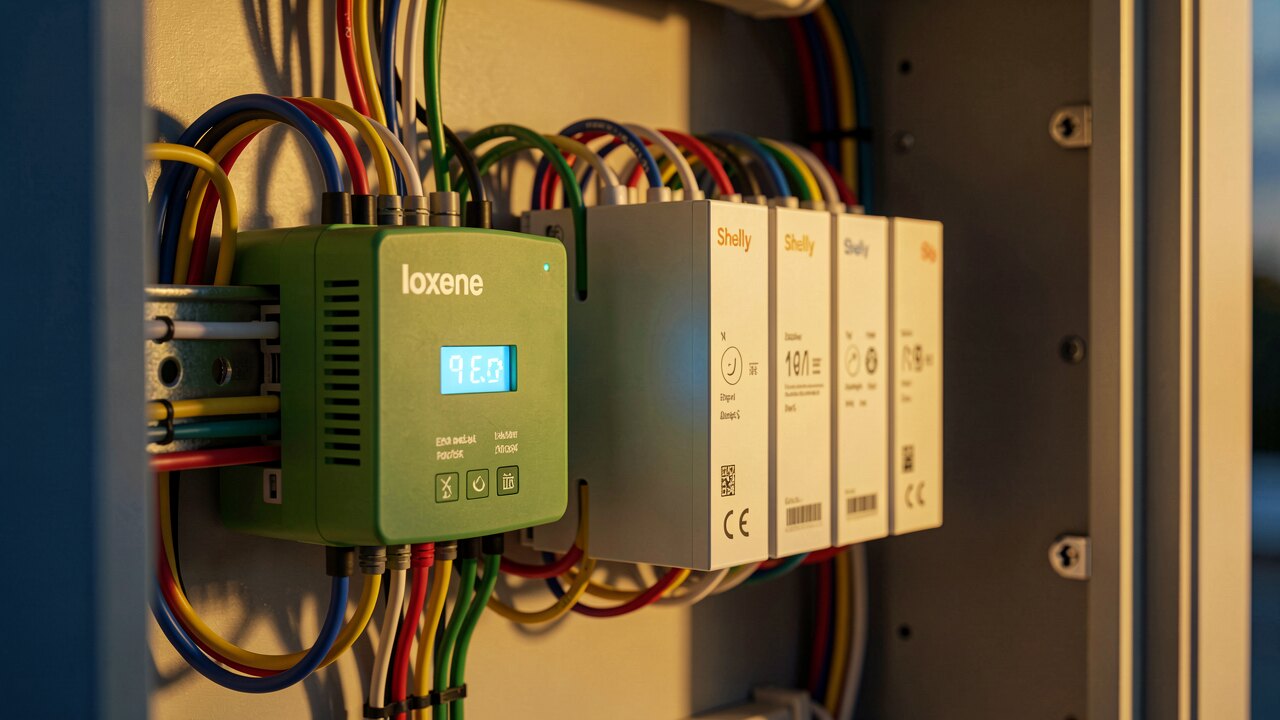
The monitoring principle does not stop at the array. An energy monitor on a heat pump lets you watch its consumption on the same web display as your PV generation, which is what you need to answer the question that actually matters — how much of your own solar the heat pump is running on versus how much it is buying from the grid. Physically this is another meter or clamp feeding the same platform; installation is quick, and we have documented a heat pump energy monitor going in inside a minute. Once generation and the big loads are on one page, self-consumption stops being a guess.
Ask four questions of any web display before you rely on it. Does it read your inverter locally, or only via the manufacturer's cloud (which means an outage there blinds you)? What is the resolution and how long is history retained — minute values for a few days are useless for spotting a slow decline? Can you export your own data? And does it alert you, or does it merely display, requiring you to remember to look? A dashboard nobody opens is not monitoring. Monitoring is the discipline of comparing every plant against its own expected behaviour, hour after hour.